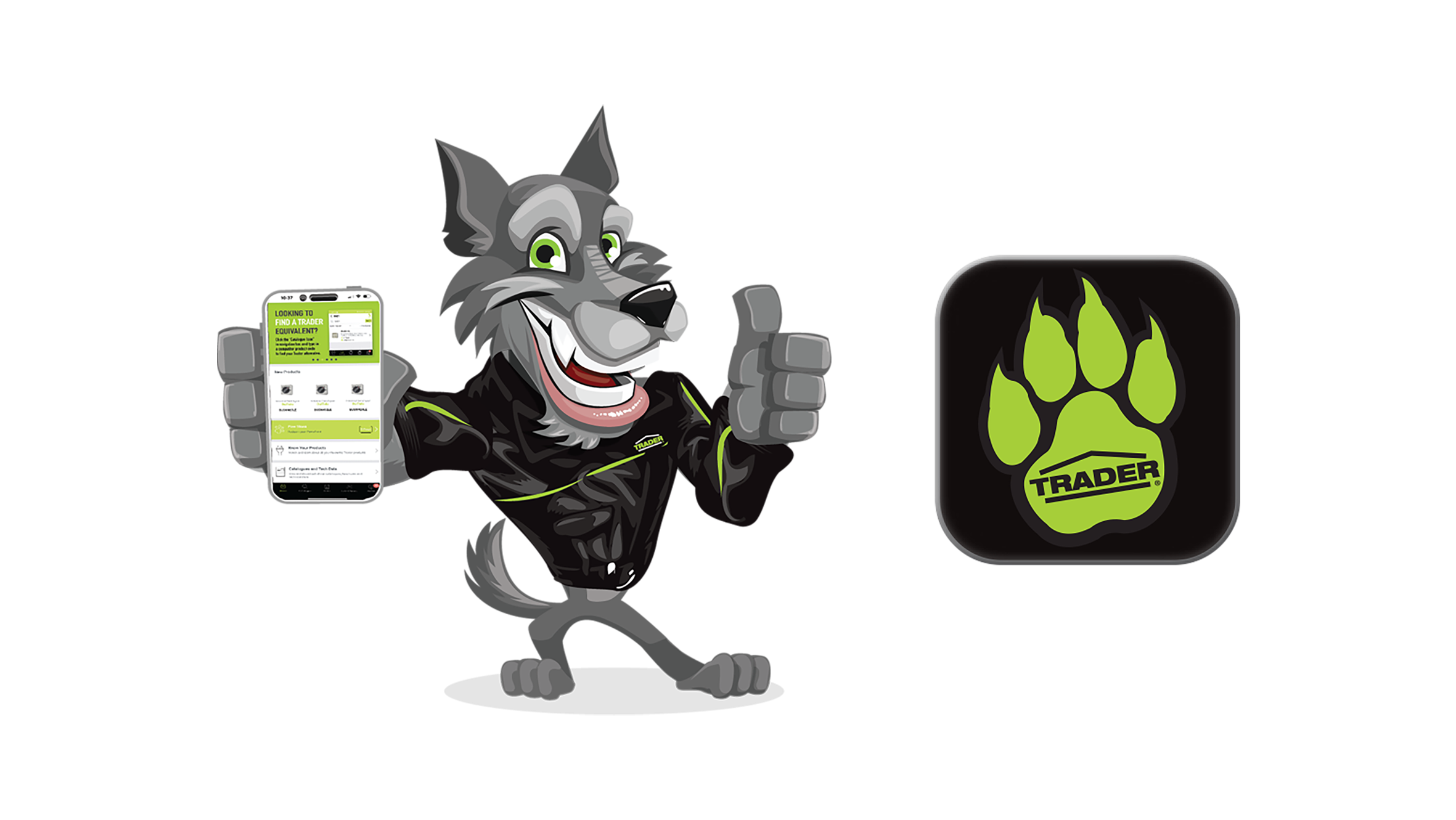
Fantastic App, essential for all electricians!
Love the ability to search the whole catalogue at my fingertips, including the cross-reference feature where you can quickly find the Trader equivalent to products from another brand.
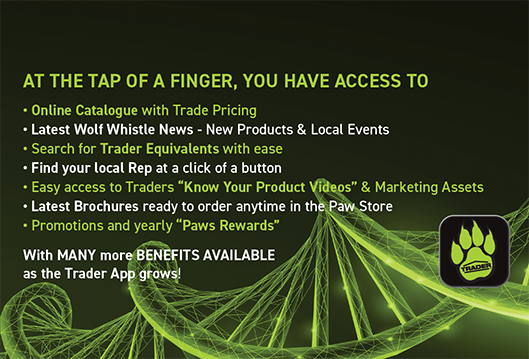
Download the app today
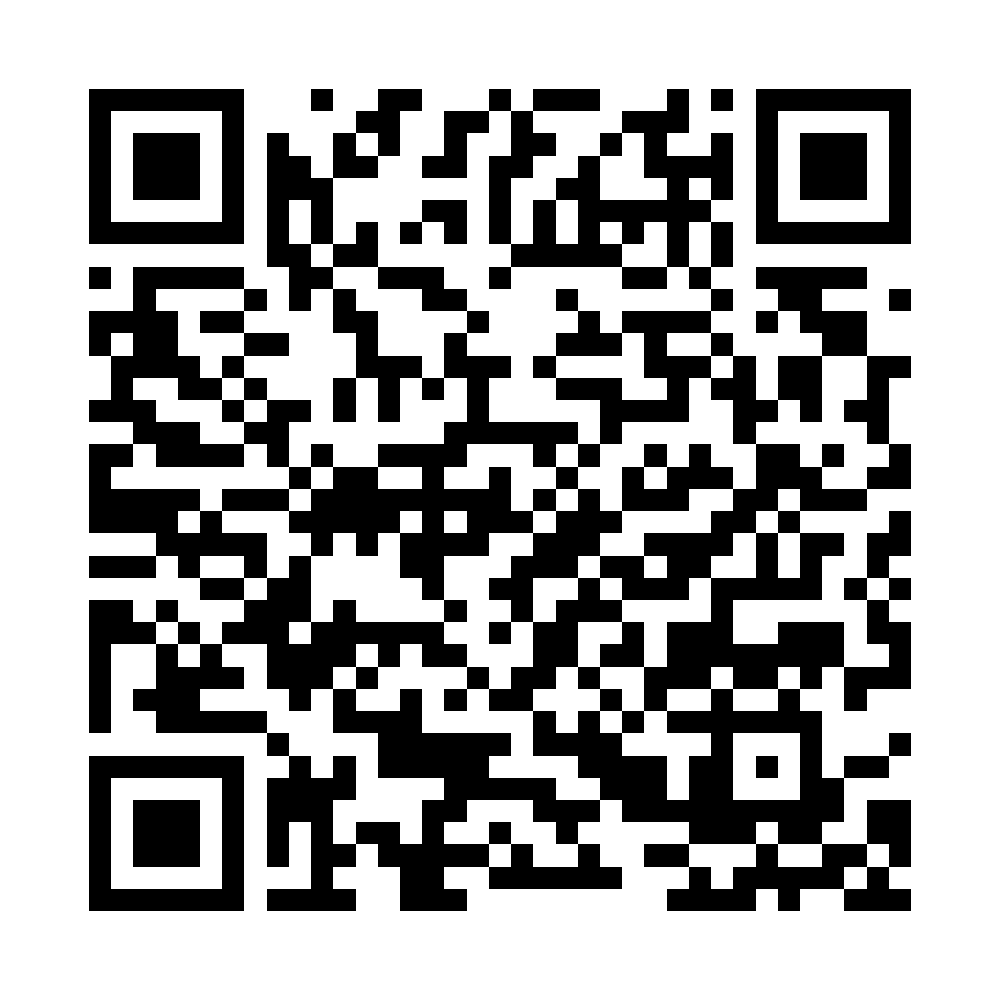
Scan the QR Codes on your phone to download the Trader app today.
Need help? Click here to watch a video walk through.


FAQ
How do I create a Trader App Profile?
It’s quick and easy to set up your Trader App Profile. Click here to watch our step-by-step video guide and get started in minutes.
Did you know? Trader can help you customise your marketing to suit your business needs. Make the most of your Trader promotions with tailored support through the Trader App.
Creating and submitting your own Custom Trader Marketing Request is easy. Simply click here to watch our step-by-step video guide and learn how to do it through the Trader App.
What are PAW'S?
PAWS are Trader's exclusive promotional reward currency, available only during official PAWS Rewards campaigns. Earn PAWS on eligible Trader products and redeem them for great rewards in the Paw Store.
How do I earn PAW'S?
Build your order in the Trader App and upload your wholesaler invoice once your purchase has been completed. After your invoice has been validated, PAWS will be credited to your account based on the eligible products purchased.
Only invoices dated between 1 July 2026 and 31 January 2027 qualify for the 2026 promotion.
There is no backdating for the PAWS Rewards Program.
Invoices dated before 1 July 2026 or after the promotion closes are not eligible and will not receive PAWS.
Do my PAWS expire?
Yes. PAWS are promotion-specific and expire at the end of each promotional period.
Any unused PAWS will expire once the promotion concludes, and your balance will reset to zero ready for the next campaign.
Do my PAWS carry over to future promotions?
No. Each PAWS Rewards campaign is independent.
When a promotion ends, all remaining PAWS expire and a new PAWS balance begins with the launch of the next promotion
How is my order verified?
To receive your PAWS, you must upload a valid wholesaler invoice through the Trader App.
Our team will review and validate the invoice against your submitted order and have the ability to remove PAWS if necessary.
Orders with missing, incorrect or invalid proof of purchase may be rejected.
Who can participate?
The Trader PAWS Rewards Program is open to licensed Electrical Contractors with a current electrical licence.
To participate, you must have a registered Trader App account. The name and business details on your Trader App profile must match the details shown on the uploaded wholesaler invoice. This allows us to validate your purchase and allocate PAWS correctly.
Invoices that cannot be matched to your Trader App account may be rejected.